
Give your users and agents a cozy, talking face.
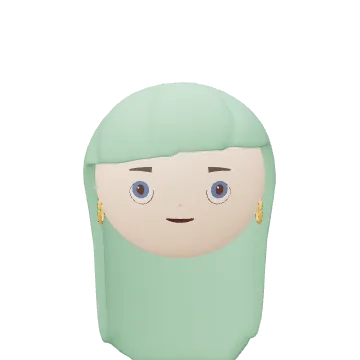
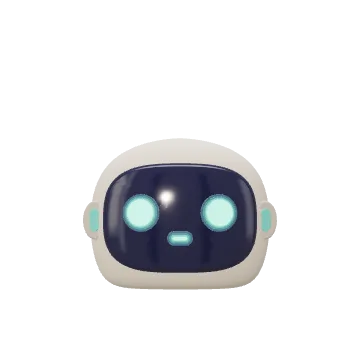
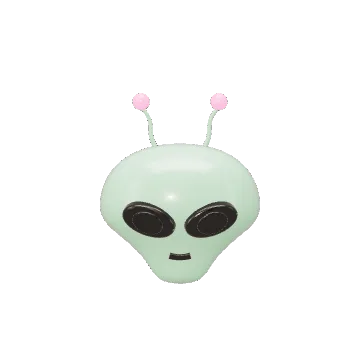
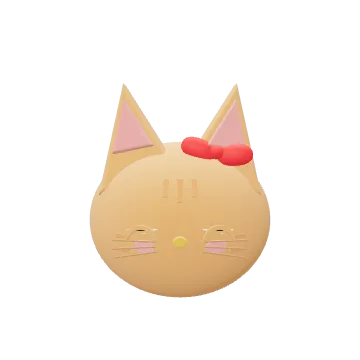
Mini avatars lip-sync to any voice and emote along with every word. Press play and watch eight of them talk.
npx minimoji loginSign in and get your keys without leaving the terminal.
Sound on · 8 voices · under a minute

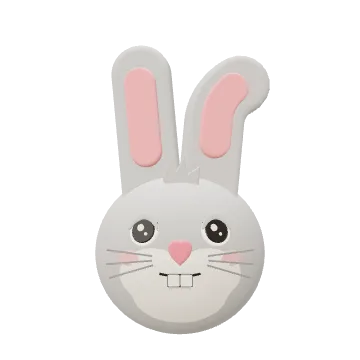
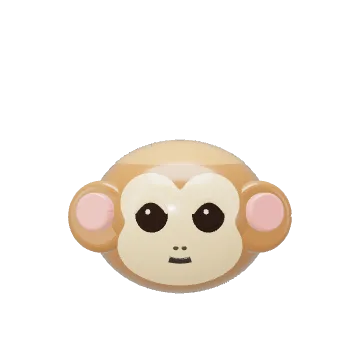
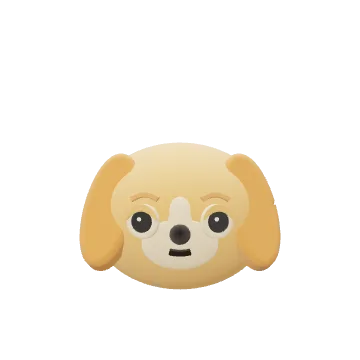
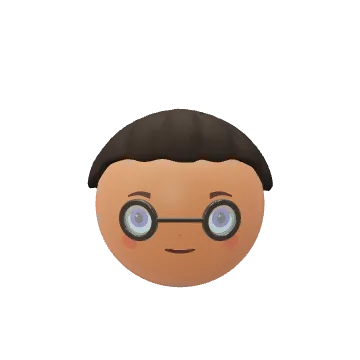
Preparing the cast…
- Mini: Okay, team. Where should we go for our first adventure?
- Dog: A walk? Count me in!
- D.A.S.H.: I vote for the moon. Excellent views. Very questionable snacks.
- Alien: The moon? My cousin lives there! Terrible Wi-Fi, though.
- Ginger cat: I am supervising this sunbeam.
- Mini: That sounds like a no. Any ideas a little closer to home?
- Rabbit: Picnic! Race you to the park.
- Rafael: A picnic? Now that is a plan I can get behind.
- Monkey: Finally. A mission for my bananas.
- D.A.S.H.: Mission updated. Park, picnic, bananas. Probability of fun: excellent.
- Dog: Let’s go!
- Rafael: Then it is settled! I will bring the blanket. Best group chat ever.
Every character speaks with a prerecorded ElevenLabs voice. Captions follow the spoken words; expressions and listener reactions are timed to the recording.
How it works.
Step 1: Lip sync · Emote sync
Auto-synced to lips and emotions.
Say a line. The mouth follows the words, the face follows the feeling.
Who’s talking
Tap a line
Preparing D.A.S.H.…
Any voice: your TTS, a recording or a live mic.
Step 2: AI edit
From a selfie or a prompt.
Users get their Mini avatar in about a second, then just ask for changes.
Try it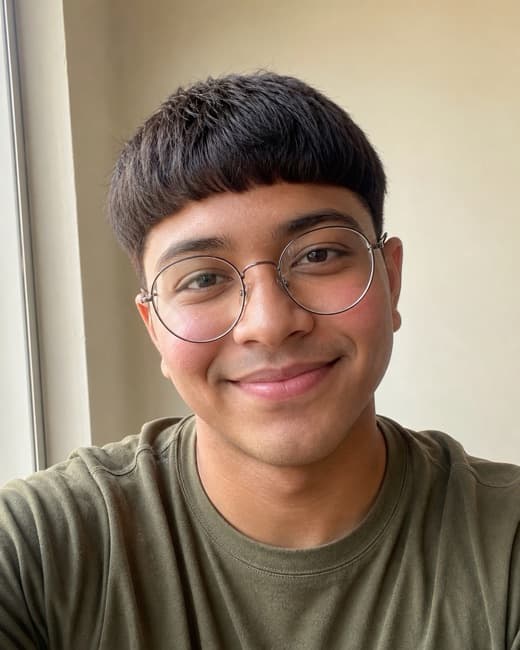
Selfie Mini avatar Illustrative: the photo is generated and the avatar is our Rafael.
Before “give me curly red hair”After Step 3: Built-in avatar editor
Integrate our avatar editor, or build your own.
One screen in your app. Users tweak every part by hand.
- Hair
- Skin
- Eyes
- Glasses
- Hats
- Beards
Try the editorIn MinimojiKit todayRecorded in the iOS Simulator with a generated face; waits for the service are sped up. Step 4: Coming soon
Bring your own parts.
Your agent writes the robot, the alien or one new hat. It lip-syncs and emotes like every other Mini avatar.
Get early accessYours
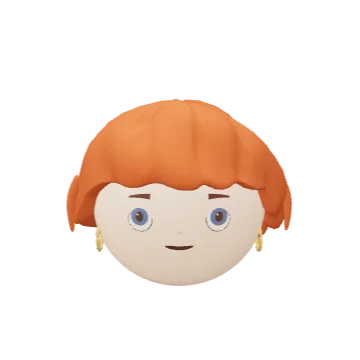
Every Mini avatar comes with a body.
The same JSON builds the whole figure: an outfit from its palette, a rig that walks, runs and jumps, and gestures from a word.
Open the body playground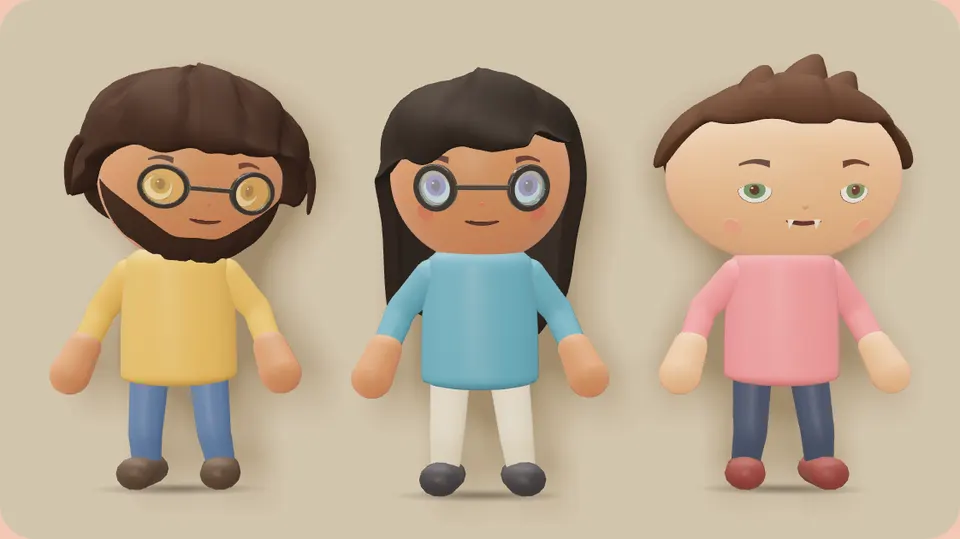
Already shipping
Made with Minimoji.
Making music. Hanging out. Saying how you feel. See how a Mini avatar becomes part of the moment.
- Fizz FM — your avatar sings what you play.
- Bunch — bring your conversations to life.
- Minimoji Avatar Demo — give your status a voice.
Actual app screens, recorded with demo interactions. All previews are silent.
Fizz FM — Your avatar sings what you play. Bunch — Bring your conversations to life. Minimoji Avatar Demo — Give your status a voice.
The SDK
Tiny, native, and in your UI.
Mini avatars live in your layout, in a chat bubble or a player card, and follow it through scroll and resize.
- 1.8 MB
- to play a head on iOS
- 67 KB
- the web engine, gzipped, plus three.js
- 0
- dependencies on iOS. No game engine, no web view
Swift
NowMinimojiKit, plain Swift on Metal.
Web
Now@minimoji/react, a head on any element.
Expo
ComingThe same components on iOS and Android.
HTTP API
NowAny stack: a .glb and a .png.
Every Mini avatar is a few lines of JSON any agent can write, store and send.
Sizes from a release build of MinimojiKit 9.12; a head is about 2 MB, cached after its first load. The footprint, measured
Start building
Give your users and agents a cozy, talking face.
Get a key and have a talking Mini avatar in your app today.
Read the docsAdd MinimojiKit or @minimoji/reactGive your agent the skill
The React package ships on request. Leave an email and we’ll send the install.